Starting and Operating with the RC
Use the pictured transmitter to drive the PX4-equipped SVEA. RC driving works without ROS.
Controls
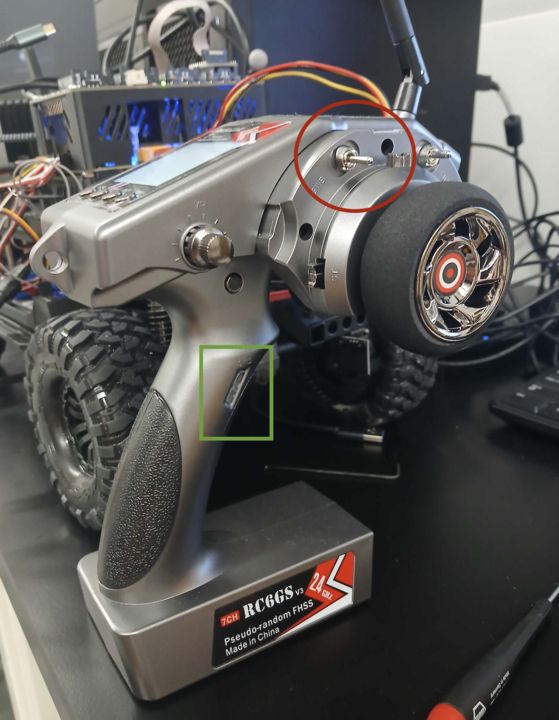
- Steering wheel: steer.
- Trigger: throttle; release to neutral.
- Green-marked button (SWD): arm (enable driving).
- Red-circled switch (SWB): middle = RC driving; right = kill; left = ROS control.
Start
- Release the throttle, set the red-circled switch to kill, then turn on the RC.
-
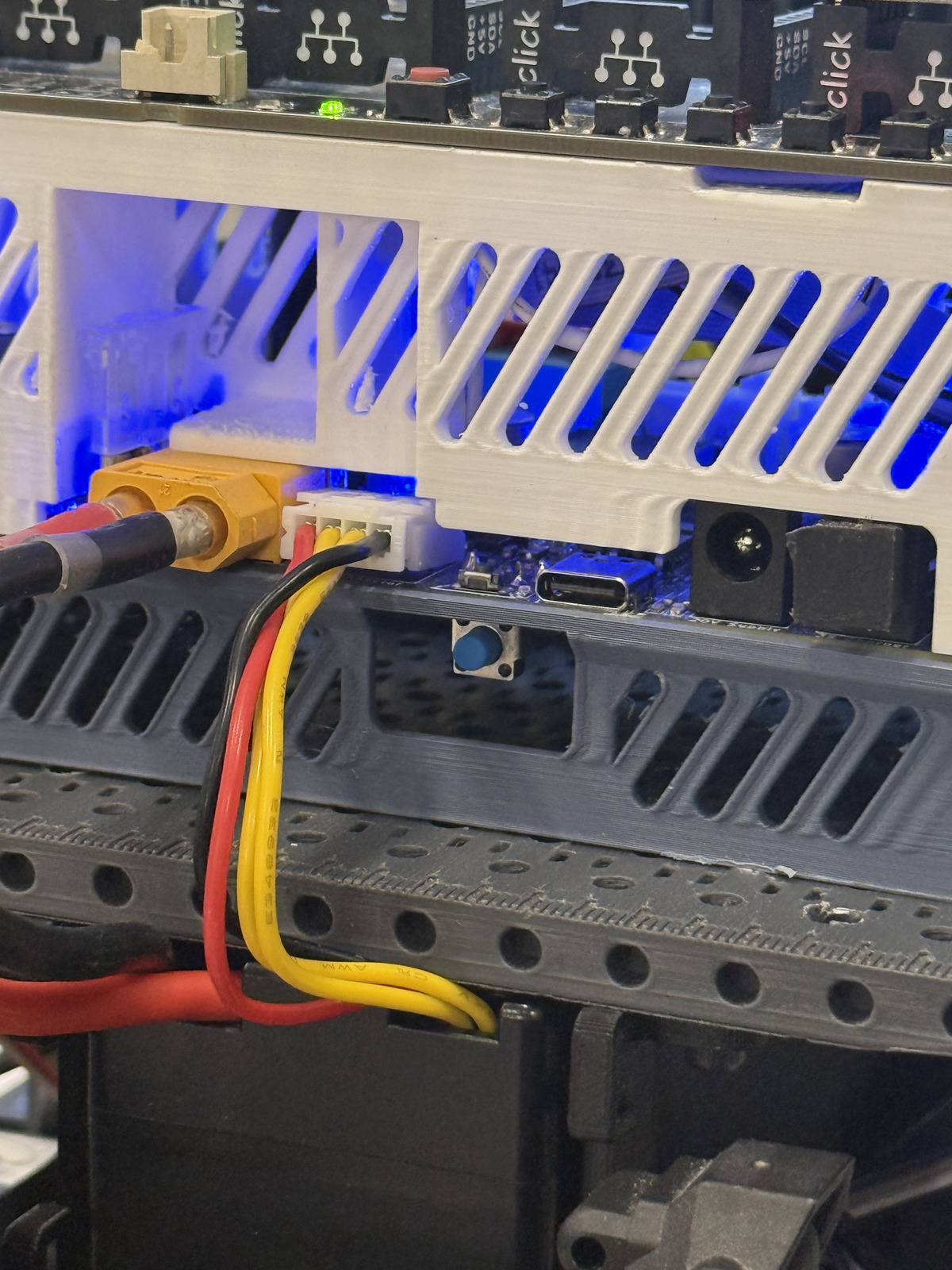
Connect the vehicle battery. Press and hold the blue power button until the lights turn on, go off, and turn on again. Then release the button.
-
Move the red-circled switch to the middle for RC driving.
- Press the green-marked button to arm (enable driving). You may need to press and hold until the servos stay on; this should be audible.
-
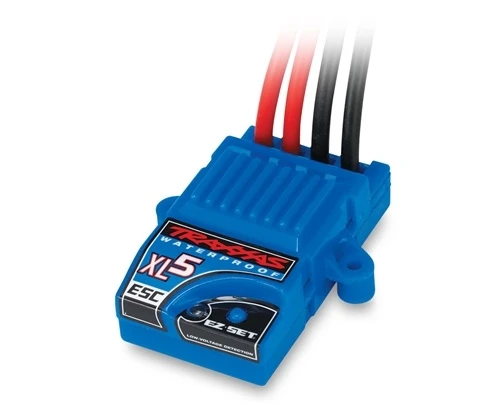
On first bringup, turn on the ESC: briefly hold its EZ-Set button until it lights up, then release.
-
Use the trigger to drive and the wheel to steer.
Stop
Move the red-circled switch to kill (right), or turn off the remote.
Shut down
- Move the red-circled switch to kill.
- Shut down the onboard computer normally, if running.
- Turn off vehicle power and disconnect the battery.
- Turn off the RC last.
Kill does not disconnect the battery. Disconnect power before handling wiring or the drivetrain.
For setup and troubleshooting, see the firmware RC guide.